

If you’ve been following my posts about working from the road, you know I’m always looking for ways to stay connected in the middle of nowhere. T-Mobile’s T-Satellite (powered by Starlink) has been a fun tool to play with, but up until recently, it was pretty much just for SMS and some navigation apps.
At least, that’s what I thought until this past New Year’s.
I was hiking in Joshua Tree National Park—miles away from the nearest cell tower—when I noticed something surprising on my phone. T-Satellite now officially supports Signal and WhatsApp.
This is a huge deal. It means we can now use two of the best messaging apps on the planet even when we are completely off-grid.
What to look for
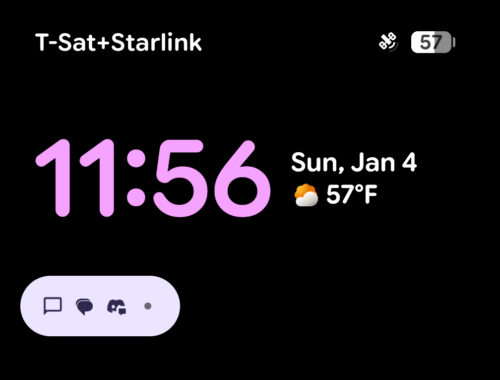
If you’re out of range of terrestrial towers and have a clear view of the sky, your phone should switch over automatically. I grabbed this screenshot on my Pixel home screen. You can see the “T-Sat+Starlink” label in the top left corner.
A growing list of apps
It seems like the list of apps that work over satellite is growing pretty fast. I opened up the T-Life app to see what was listed, and I was happy to see the messaging giants included.
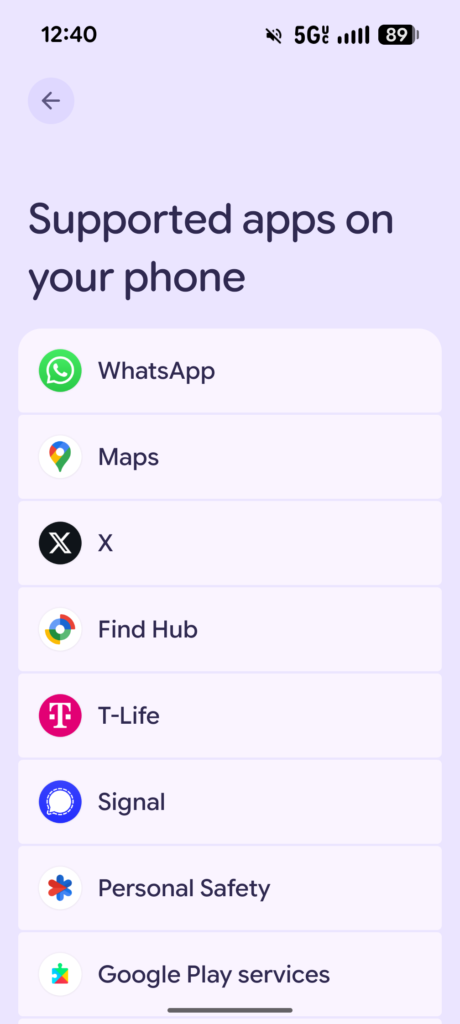
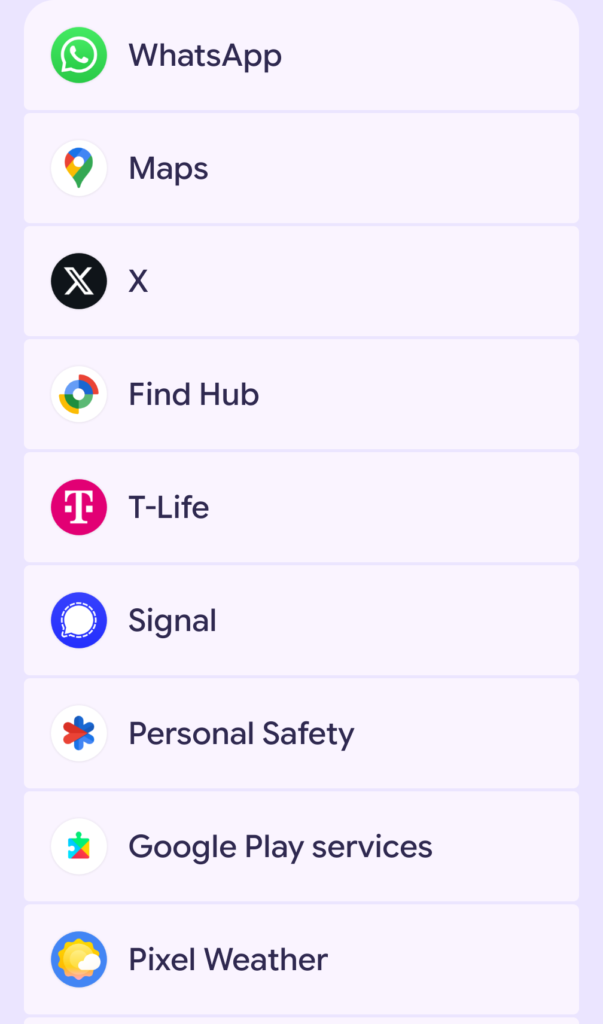
It’s exciting to see this shift from just “emergency use” to actually being able to stay in touch on our own terms.
Using AI from the middle of nowhere
I noticed that X (formerly Twitter) is on the supported list. That’s cool for news, but it also means you can technically access Grok if you want to ask an AI a question while you’re out in the woods.
But if you don’t have a subscription or just don’t want to use Grok, there’s another option that I actually prefer. It’s a tool called TXT2GPT, created by CascadiaLink.
Since the satellite connection handles SMS really well, you can use this to send questions to an AI via text message. You just text your question to 206-617-0158 and get an answer back. It’s super lightweight and doesn’t require loading a heavy app like X, which is great when bandwidth is tight.
Field Test: Joshua Tree National Park
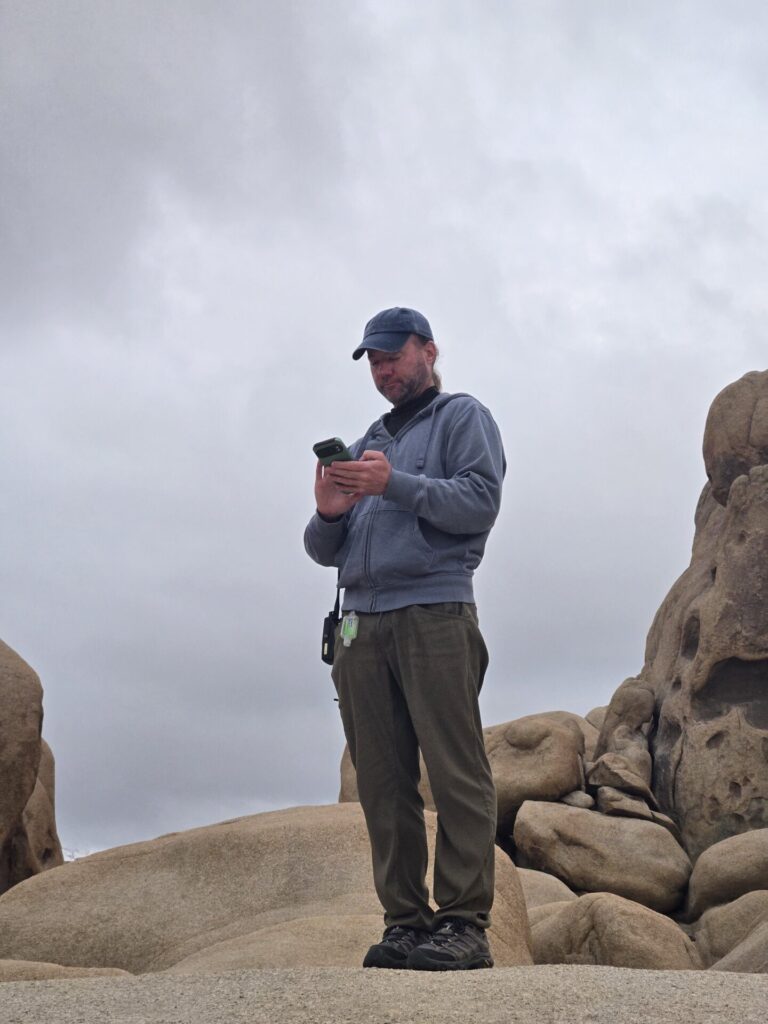
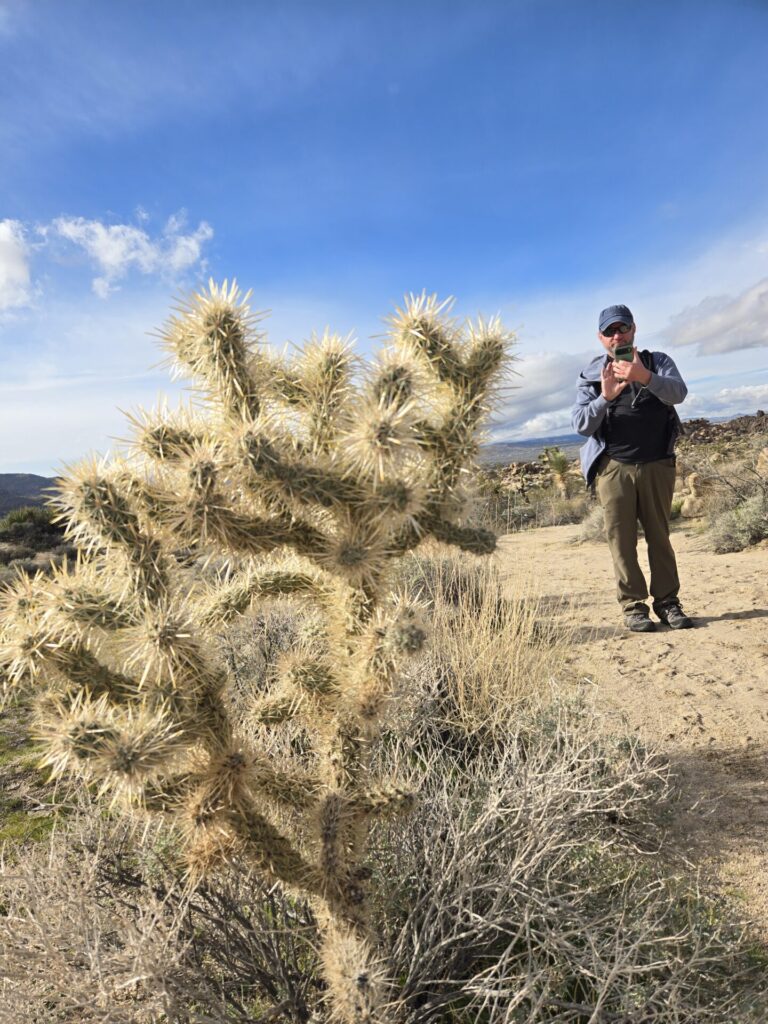
As I mentioned, I stumbled onto this while hanging out in Joshua Tree. It’s such a beautiful place, but the cell coverage is notoriously spotty.
Signal Performance: Surprisingly fast
I didn’t test WhatsApp, but I use Signal as my primary messaging app because it’s encrypted, open source, and not-for-profit. So I was really eager to see how it performed.
I expected it to be laggy, but text messages sent almost instantly. I even tried sending some photos—which is usually a struggle on satellite—and they typically went through in less than a minute.
It ended up being super useful. I was out hiking deep in the park, totally unable to get standard service, but I could still message my friends back at the Airbnb to coordinate dinner plans.
Navigation and Weather
Beyond messaging, it was really nice to have live data for navigation.
- Google Maps: I could load map data even though I hadn’t downloaded a cached area.
- Weather: Checking the forecast while on the trail is a huge safety plus.
- AllTrails: Even though I didn’t see it in the official list initially, AllTrails works. I was able to download trail data mid-hike.
The limitation: Don’t try to send big files
I wanted to see just how much bandwidth I had, so I tried to send a 30-minute audio file via Signal. It was tens of megabytes.

The upload was painfully slow. After a few minutes I gave up. T-Satellite is amazing for text and photos, but we definitely aren’t at the point where we can send heavy media or big attachments yet. At least not without a LOT of patience.
Need more speed? If you’re on a trip where you absolutely need to do video calls or heavy web browsing, the “Direct to Cell” tech just isn’t there yet. For that, you really need a dedicated dish. You can actually rent a Starlink Mini from CascadiaLink for your trip. That gives you full broadband speeds anywhere, which is a totally different experience.
The T-Life App Experience
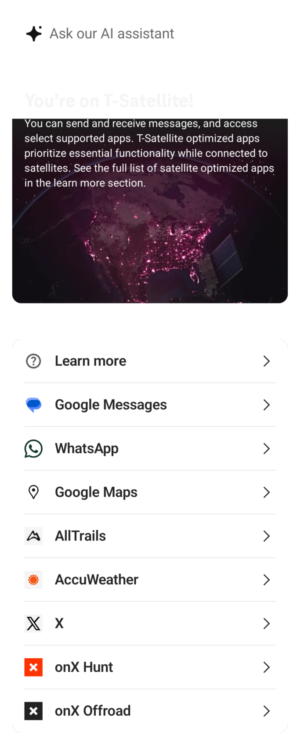
One quirk I found: When you are connected to satellite, the T-Life app acts completely differently.
It essentially turns into a list of allowed apps. You can’t manage your account or pay your bill. So just be aware that you won’t have full account access while you’re off-grid.
And don’t get my started on the AI assistant. I tried it out briefly. It worked online, but I didn’t find it helpful.
The Cost: Surprisingly flexible
Here is something I really appreciate: The pricing model is pro-rated. T-Satellite is listed as $10/month, but you don’t have to pay for a whole month if you don’t use it.
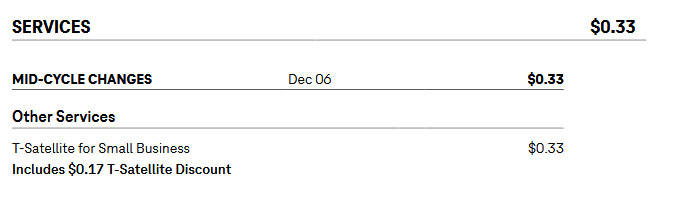
I turned it on for just one day when I knew I’d be out of range, and I was only charged 33 cents. That makes it a no-brainer to just toggle it on for a weekend trip without committing to a monthly fee.
Why this matters
For me, being able to use Signal is the killer feature. Since it’s encrypted, I can keep my communications private even when I’m routing through a satellite. And having WhatsApp support is huge for keeping in touch with friends internationally.
It’s wild to think that “dead zones” are quickly becoming a thing of the past.
Has anyone else tried this out yet? I’m curious if it works as well in other parts of the country as it did for me in the desert. Let me know in the comments!